Common Samsung Battery Problems and Their Professional Repair Solutions
Samsung smartphones are renowned for their performance, durability, and innovative features. Yet, even high-quality devices can face battery problems over time. Many users notice their Samsung phone battery draining faster than before, or the device overheating during regular use. These issues can affect daily usability and, in some cases, compromise safety.
Understanding the most common Samsung battery problems and knowing when to seek professional repair is essential. This article guides Samsung users through the main battery issues, their causes, and safe solutions provided by professional repair services like Dr Mobile.
How Samsung Smartphone Batteries Work
Samsung smartphones primarily use lithium-ion (Li-ion) batteries. These batteries are lightweight, have high energy density, and recharge quickly.
Li-ion batteries store energy through chemical reactions. When charging, lithium ions move from the positive electrode (cathode) to the negative electrode (anode). During usage, the ions move back to the cathode, releasing energy to power the device.
While efficient, Li-ion batteries have limitations. Over time, repeated charging cycles, high temperatures, and improper handling reduce battery capacity, causing noticeable performance issues.
Common Samsung Battery Problems
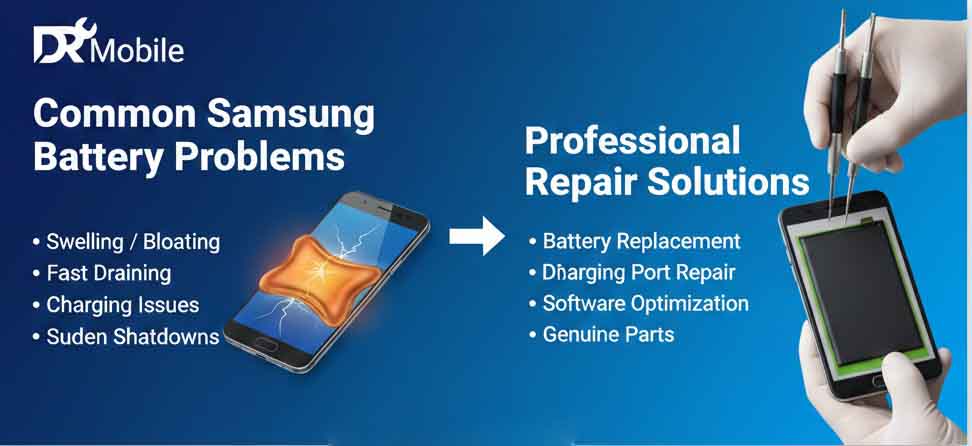
1. Fast Battery Drain
Many Samsung users report that their battery depletes quickly, even with moderate use. This issue often affects users who rely on their smartphones for social media, gaming, or navigation.
Causes:
- Background apps consuming excessive power
- High screen brightness or frequent screen-on time
- Outdated software with inefficient power management
- Weak battery capacity after prolonged use
Impact:
- Reduced daily usability
- Frequent need for recharging
- Risk of sudden shutdowns when battery reaches low levels
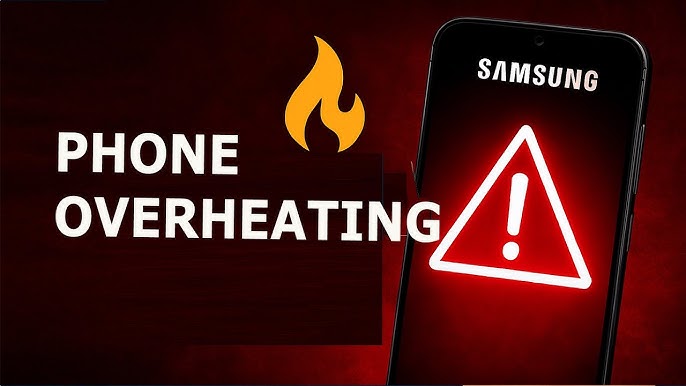
2. Samsung Phone Overheating
Overheating is another common Samsung battery problem. A hot smartphone can be uncomfortable to hold and may indicate internal battery issues.
Causes:
- Intensive gaming or streaming for long periods
- Faulty apps running in the background
- Charging with incompatible or low-quality accessories
- Environmental factors, such as direct sunlight or high temperatures
Impact:
- Decreased battery lifespan
- Device performance throttling
- Potential safety hazards, especially if overheating occurs frequently
3. Samsung Battery Not Charging
Many Samsung users experience slow charging or cases where the battery refuses to charge entirely. This can occur suddenly or gradually over time.
Causes:
- Damaged charging port or cable
- Corrosion or dirt in the charging connector
- Battery degradation from repeated charging cycles
- Software glitches affecting power management
Impact:
- Inability to use the device reliably
- Constant frustration from unpredictable battery behavior
- Increased likelihood of complete battery failure
4. Sudden Shutdowns
A Samsung device may shut down unexpectedly, even when the battery indicator shows adequate charge. This issue often confuses users and signals internal battery problems.
Causes:
- Battery voltage instability
- Aging or defective battery cells
- Software errors misreporting charge levels
Impact:
- Risk of losing unsaved data
- Interruption of calls or important tasks
- Frustration due to inconsistent device performance
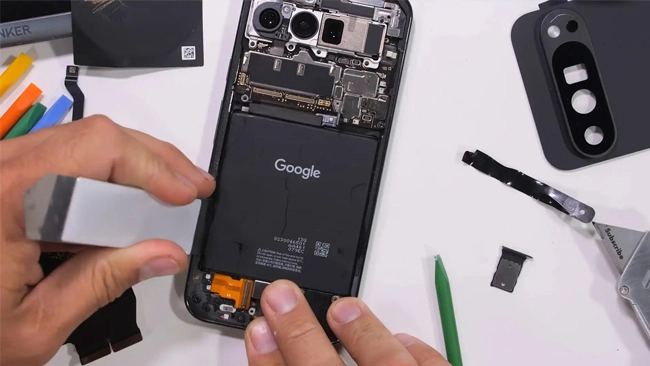
5. Samsung Battery Swelling
Physical changes in the battery, such as swelling or bulging, are serious issues that require immediate attention. Swollen batteries indicate internal damage and potential safety hazards.
Causes:
- Overcharging or prolonged exposure to heat
- Internal chemical reactions due to aging or defects
- Using unapproved or incompatible charging accessories
Impact:
- Potential damage to the phone’s casing and screen
- Safety risk, including leakage or fire hazards
- Immediate need for professional replacement
Causes of Samsung Battery Issues
Understanding the root causes helps prevent further problems. The main factors include:
1. Usage Habits
Heavy app usage, gaming, or extended video streaming accelerates battery wear. Constant charging and discharging cycles also reduce battery lifespan.
2. Software Updates
Software updates improve features but can sometimes strain older batteries. Certain updates may increase background processing, leading to faster battery drain or overheating.
3. Charging Accessories
Using non-certified or low-quality chargers and cables can damage the battery. High voltage or inconsistent current affects battery stability and may cause swelling or slow charging.
4. Environmental Factors
Exposure to extreme temperatures, whether too hot or too cold, affects battery performance. High humidity and direct sunlight can accelerate chemical degradation in the battery.
Signs You Need Professional Battery Repair
Recognizing warning signs early ensures safety and prevents further damage. Seek professional help if your Samsung device exhibits:
- Battery draining much faster than normal
- Device overheating during light use
- Battery not charging or charging inconsistently
- Unexpected shutdowns
- Visible swelling or damage to the battery
Ignoring these signs can risk your device’s safety and functionality.
Professional Repair Solutions by Dr Mobile
Dr Mobile provides professional Samsung phone repair services focused on battery issues. The repair process includes:
1. Diagnostic Process
A professional technician performs a thorough inspection to identify the exact cause of battery problems. Tools measure battery health, charge cycles, and voltage stability.
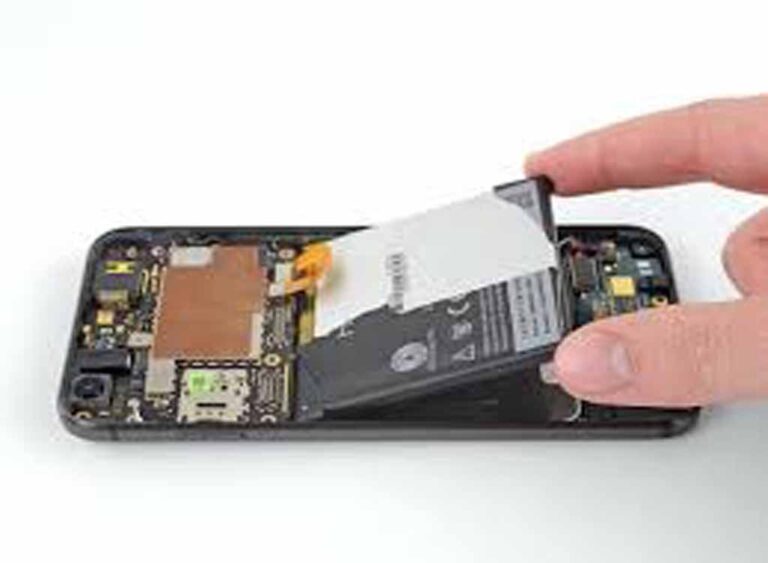
2. Battery Replacement
When a battery is degraded, swollen, or faulty, certified replacement is recommended. Using OEM or high-quality batteries ensures performance and safety.
3. Safety Checks
Professional repair includes safety verification to prevent overheating, leakage, or further damage. Technicians also clean charging ports and verify device firmware.
4. Testing and Optimization
After repair or replacement, the device undergoes extensive testing to ensure proper charging, battery life, and thermal management.
Why Professional Repair Is Better Than DIY Fixes
Attempting to fix Samsung battery issues without proper tools or expertise carries risks:
- Safety Concerns: Lithium-ion batteries are sensitive to punctures, heat, and overcharging. Mishandling can cause fire or injury.
- Device Longevity: Professionals ensure the replacement battery fits correctly and maintains device performance.
- Data Protection: Repairing a phone with certified technicians reduces the risk of data loss or internal damage.
- Warranty Preservation: DIY repairs may void manufacturer warranty or insurance coverage.
Professional repair ensures a safer, longer-lasting solution for your Samsung device.
Battery Care Tips to Extend Samsung Phone Life
Proper maintenance can prevent common battery problems and extend device lifespan. Key tips include:
1. Avoid Overcharging
Disconnect the device once fully charged to prevent heat buildup and chemical stress.
2. Use Certified Accessories
Always use Samsung-approved chargers and cables to maintain battery stability and safety.
3. Manage Apps and Settings
Close unused apps and reduce background activity. Adjust screen brightness and power-intensive features when possible.
4. Avoid Extreme Temperatures
Keep your device away from direct sunlight and avoid exposing it to freezing conditions.
5. Regular Software Updates
Keep your device updated with official Samsung firmware for optimal battery management.
6. Replace Aging Batteries Promptly
Don’t ignore battery swelling, fast drain, or charging issues. Timely replacement prevents further damage.
Conclusion
Samsung battery problems, such as fast draining, overheating, or swelling, are common but manageable. Understanding the causes, identifying warning signs, and seeking professional repair ensures safety and restores device performance.
Professional services, like Dr Mobile, offer reliable diagnostics, certified battery replacement, and safety checks to protect your device and data. Maintaining proper charging habits and following battery care tips prolongs your Samsung smartphone’s life.