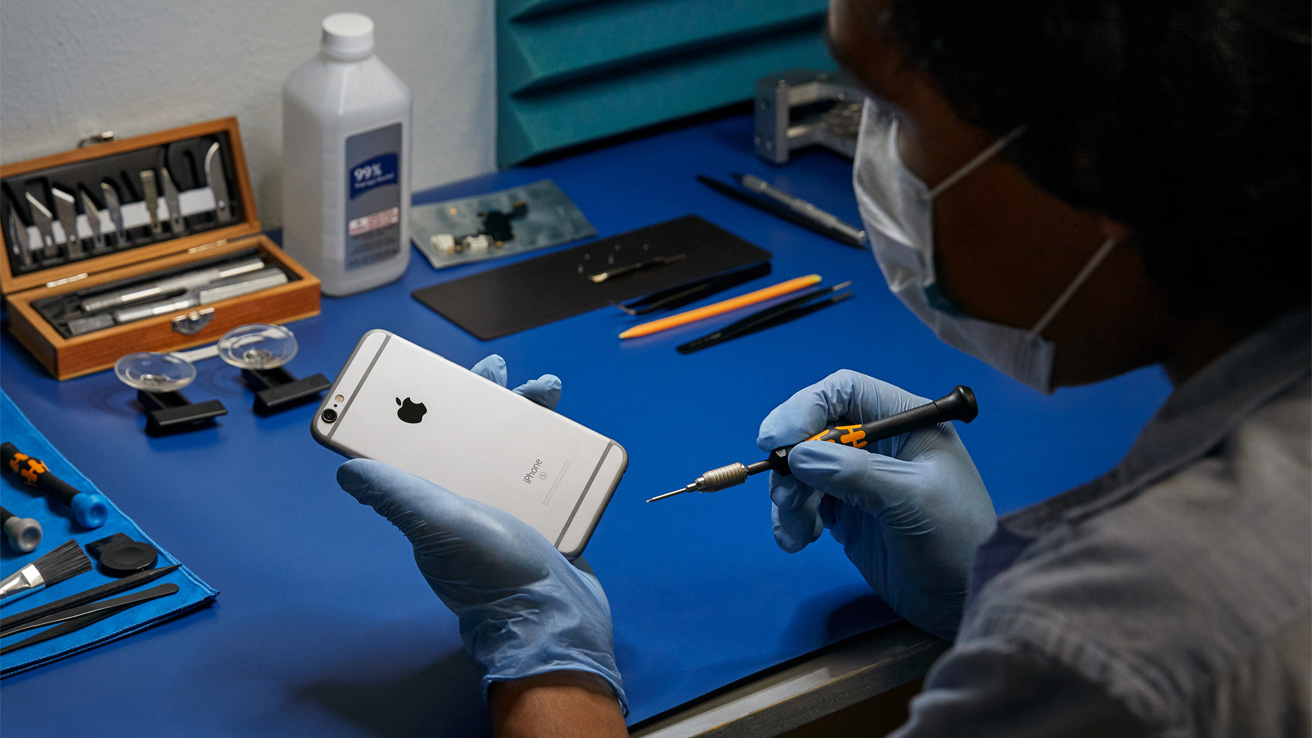
How Regular iPhone Maintenance Extends Your Device’s Performance Life
iPhones are known for their premium build, powerful performance, and long-lasting quality. But even the most advanced device needs regular care to perform at its best. Just like a car requires servicing to run smoothly, your iPhone also needs consistent maintenance to avoid slowdowns, battery issues, and unexpected hardware failures.
At Dr Mobile, we help iPhone users get the most out of their devices through expert repair, cleaning, diagnostics, and performance optimization. This detailed guide explains how regular iPhone maintenance extends your device’s performance life, what steps you should follow, and why professional care makes a big difference.
This article is easy to understand, beginner-friendly, and packed with practical iPhone care tips. Whether you use your iPhone for work, study, or entertainment, proper maintenance will keep it running fast, smooth, and efficient for years.
What Is iPhone Maintenance and Why Does It Matter?
iPhone maintenance refers to all the actions, habits, and professional services that keep your device functioning smoothly. It includes:
- Updating software
- Cleaning storage
- Checking battery health
- Cleaning ports and speakers
- Running security checks
- Diagnosing hardware or system errors
- Preventing overheating
- Optimizing performance
Many iPhone users mistakenly believe that their device will continue performing well without any care. But over time, dust buildup, outdated software, low storage, battery aging, and background errors can make the device slow and unreliable.
Why iPhone Maintenance Is Important
Regular maintenance:
- Prevents slow performance
- Protects internal components
- Maintains battery health
- Reduces overheating
- Improves lifespan of parts
- Prevents sudden data loss
- Helps avoid expensive repairs
- Keeps your phone performing like new
Without maintenance, even a new iPhone can start showing issues within months.
How Regular iPhone Maintenance Extends Performance Life
iPhones are engineered for longevity, but their performance depends heavily on how you care for them. Here’s how regular maintenance helps:
1. Improved Overall Performance
A well-maintained iPhone runs faster and smoother. Clearing cache, removing unused apps, and updating software helps optimize speed.
2. Longer Battery Life
The lithium-ion battery inside your iPhone naturally ages. With proper care—adjusting charging habits, checking battery health, and reducing unnecessary drain—you can extend battery life significantly.
3. Smoother Software Experience
iOS updates fix bugs, improve security, and add performance enhancements. Regular updates ensure your device remains optimized.
4. Prevention of Hardware Issues
Dust, moisture, and debris can damage charging ports, speakers, microphones, and internal circuits. Cleaning and diagnostics prevent long-term damage.
5. Fewer Crashes and Glitches
Clearing storage and removing corrupt files helps reduce app crashes, freezing, and random shutdowns.
6. Enhanced Security
Regular security updates protect against malware, phishing attacks, and system vulnerabilities.
7. Extended Device Lifespan
A properly maintained iPhone can easily last 4–6 years or more, saving money on early upgrades.
Benefits of Regular iPhone Maintenance
Let’s explore the major benefits in detail, especially how they impact everyday iPhone users.
1. Faster App Loading and Multitasking
When your iPhone has enough storage and runs updated software, apps open faster and multitasking becomes smooth.
2. Stronger and More Reliable Battery Performance
Battery maintenance helps keep your device powered throughout the day without needing constant recharges.
3. Fewer Repairs and Lower Long-Term Costs
Early detection of issues prevents expensive replacements, such as motherboard or screen damage.
4. Better Protection for Internal Components
Dust in ports, overheating issues, and constant background processes can damage hardware. Maintenance minimizes risk.
5. Protection Against Data Loss
Regular backups and storage checks safeguard your photos, contacts, files, and important data.
6. Longer iPhone Lifespan
A well-maintained device stays in great condition, making it last longer and even increasing resale value.
Essential iPhone Maintenance Practices Every User Should Follow
Below are the most important steps for proper iPhone maintenance.
A. Keep iOS Updated
iOS updates include:
- Performance improvements
- Security patches
- Bug fixes
- Battery optimization
- New features
Skipping updates can cause lag, overheating, and app incompatibility.
How to Check for Updates
Go to:
Settings → General → Software Update
Enable Automatic Updates for convenience.
Manage Your Storage Regularly
A full or nearly-full storage is the #1 reason for slow iPhones.
Tips to Manage Storage
- Delete unused apps
- Clear large videos
- Empty Recently Deleted folder
- Use iCloud for backups
- Remove duplicate files
- Offload apps you rarely use
To check storage:
Settings → General → iPhone Storage
Take Care of Your Battery
Battery health declines naturally, but good care slows down aging.
Best Battery Maintenance Tips
- Keep charge between 20%–80%
- Avoid continuous full charges
- Use original or certified chargers
- Avoid using your phone while charging
- Enable Optimized Battery Charging
Check battery health at:
Settings → Battery → Battery Health & Charging
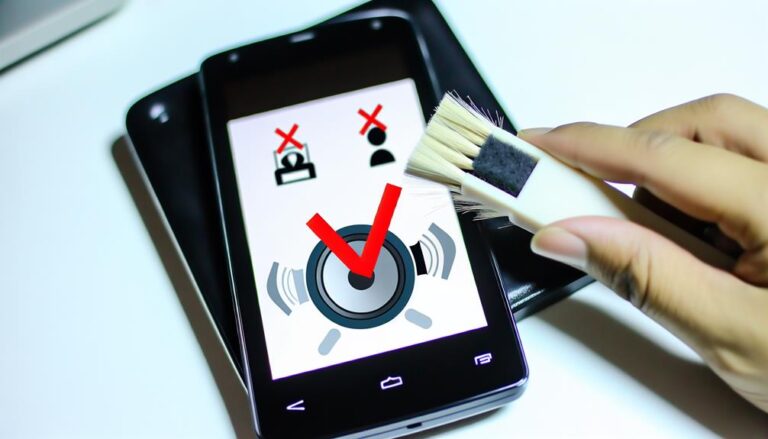
Clean Charging Port, Speakers, and Microphone
Dust or lint inside ports can cause:
- Slow charging
- Charging interruptions
- Weak speaker sound
- Microphone problems
Safe Cleaning Methods
- Use a soft brush
- Use a dry cloth
- Never use metal objects
- Avoid blowing air directly inside
- If unsure, let Dr Mobile clean it professionally
Manage Background Apps and Processes
Too many background apps can drain battery and slow performance.
Tips
- Close unused apps
- Disable unnecessary background refresh
- Turn off unused location services
- Disable push notifications for unimportant apps
Monitor Device Temperature
Overheating can permanently damage internal components.
Avoid These Habits
- Using the phone in direct sunlight
- Playing heavy games while charging
- Keeping the phone under pillows or blankets
- Using thick, non-ventilated cases
Reset System Errors Periodically
Every few months, you can refresh the system to clear hidden issues.
Two Useful Resets
- Force restart (safe and simple)
- Reset settings (keeps data safe)
These help clear caches and background glitches.
Regularly Backup Your Data
Backups protect you from:
- System crashes
- Data corruption
- Theft or loss
Use iCloud or iTunes for regular backups.
Check for App Updates
App updates improve performance and compatibility with the latest iOS.
Use a Protective Case and Screen Protector
Physical protection prevents cracked screens, damaged edges, and costly repairs.
Weekly iPhone Maintenance Routine
Here’s a simple weekly routine that keeps your device running great.
✔ 1. Check Storage
Free 500MB–1GB for smooth performance.
✔ 2. Close Background Apps
Especially graphics-heavy and social media apps.
✔ 3. Clean Screen Gently
Use a microfiber cloth to avoid scratches.
✔ 4. Restart Your iPhone
A weekly restart clears temporary files.
✔ 5. Review Battery Usage
Identify apps draining battery.
✔ 6. Check for App Updates
Update apps for better performance.
✔ 7. Clear Browser Cache
Improves loading speed and privacy.
Monthly iPhone Maintenance Routine
These monthly tasks protect long-term device health.
✔ 1. Deep Clean Your iPhone
Remove dust from ports, speakers, and microphones.
✔ 2. Review Storage in Detail
Delete large files and unused apps.
✔ 3. Update iOS if Available
Install major updates when stable.
✔ 4. Review Security & Privacy
Check app permissions.
✔ 5. Backup All Data
Do a full backup for safety.
✔ 6. Test Important Features
- Camera
- Speakers
- Microphone
- Face ID/Touch ID
- Charging port
If anything doesn’t work well, contact Dr Mobile early.
Long-Term iPhone Maintenance Tips
These habits will help your iPhone last many years.
1. Replace Battery After 2–3 Years
If battery health drops below 80%, a replacement restores performance dramatically.
2. Avoid Cheap Accessories
Low-quality chargers and cables damage internal circuitry.
3. Keep Phone Away from Extreme Heat or Cold
Both temperature extremes shorten battery lifespan.
4. Remove Case While Charging (Optional)
This helps reduce overheating, especially during fast charging.
5. Clean iPhone Internally Once a Year
Professional cleaning protects the motherboard and connectors.
How Dr Mobile’s Professional iPhone Maintenance Services Help You
Regular home maintenance is important, but some tasks require expert care. Dr Mobile provides specialized services to ensure your iPhone remains in excellent condition.
Professional Diagnostics
We scan for:
- Hidden system errors
- Hardware issues
- Sensor problems
- Performance bottlenecks
- Battery degradation
- Water damage
Early detection saves you from big repairs later.
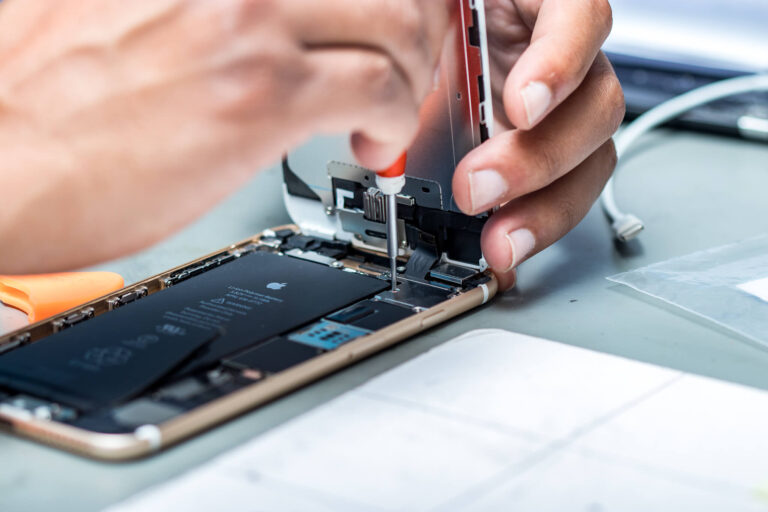
Internal Cleaning and Hardware Care
Dust buildup inside your device can affect:
- Charging port
- Speakers
- Motherboard
- Cooling efficiency
Our experts clean your device safely without damaging components.
Battery Health Testing & Replacement
We provide:
- Accurate battery health results
- Safe replacement with high-quality parts
- Fast turnaround time
A fresh battery can make your iPhone feel brand new.
Software Optimization
Dr Mobile ensures:
- Faster performance
- Bug fixes
- Secure system settings
- Removal of junk files
- Efficient app management
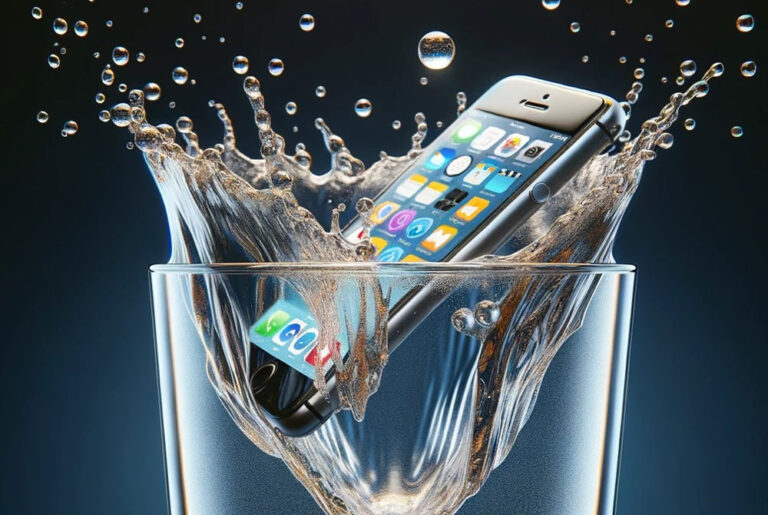
Water Damage Treatment
If your device has been exposed to moisture, our advanced methods help prevent corrosion and long-term hardware issues.
Professional Screen, Camera, and Speaker Repair
Maintenance also includes ensuring all components work perfectly.
Data Backup & Security Setup
We help secure your data, iCloud settings, and privacy preferences.
Why Choose Dr Mobile for iPhone Maintenance?
- Experienced iPhone technicians
- Advanced diagnostic tools
- Affordable pricing
- Fast and reliable service
- Genuine parts and trusted repair methods
- High customer satisfaction
- Professional advice for long-term care
With Dr Mobile, you’re not just fixing issues—you’re extending your iPhone’s life.
Conclusion
Your iPhone is a valuable device—an essential tool for communication, work, entertainment, navigation, and more. By following regular maintenance, you ensure:
- Faster performance
- Stronger battery life
- Fewer technical problems
- Longer lifespan
- Higher resale value
Whether you follow weekly and monthly routines or get expert help from Dr Mobile, proper iPhone maintenance saves you time, money, and stress.