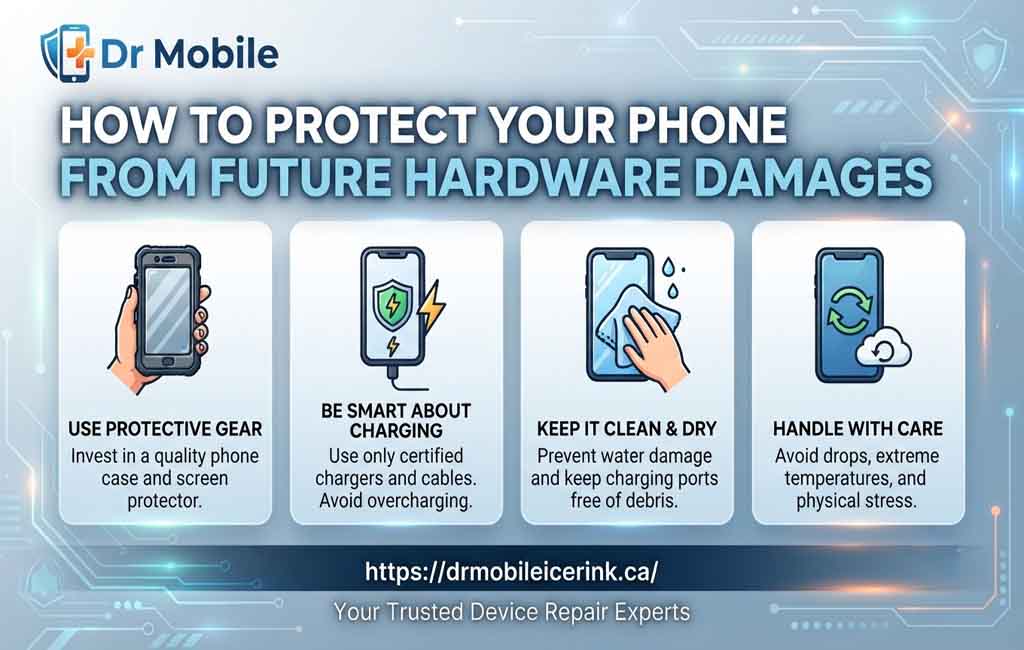
How to Protect Your Phone from Future Hardware Damages
Smartphones have become an essential part of everyday life. From communication and banking to entertainment and work, these devices help us stay connected and productive. Because they are used so frequently, they are also exposed to accidental drops, spills, dust, and other situations that can lead to hardware problems over time.
While some wear is unavoidable, many hardware issues can be reduced through proper handling and routine maintenance. Taking preventive steps is often more practical and cost-effective than dealing with major repairs after serious damage occurs. In this guide, you’ll discover practical smartphone maintenance tips, effective phone hardware protection methods, and simple habits that can help extend phone lifespan while reducing the need for unexpected repairs.
Common Causes of Phone Hardware Damage
Understanding what causes hardware problems is the first step toward preventing them. Many issues develop gradually, while others happen suddenly due to accidents.
Accidental Drops
Dropping a phone is one of the leading causes of cracked screens, damaged cameras, bent frames, and internal component failures. Even devices built with durable materials can suffer damage when they hit hard surfaces.
Common situations include:
- Phones slipping from pockets
- Dropping devices while texting
- Falling from tables or countertops
- Accidents during outdoor activities
Using protective accessories and handling your phone carefully can significantly prevent phone damage caused by accidental falls.
Water and Moisture Exposure
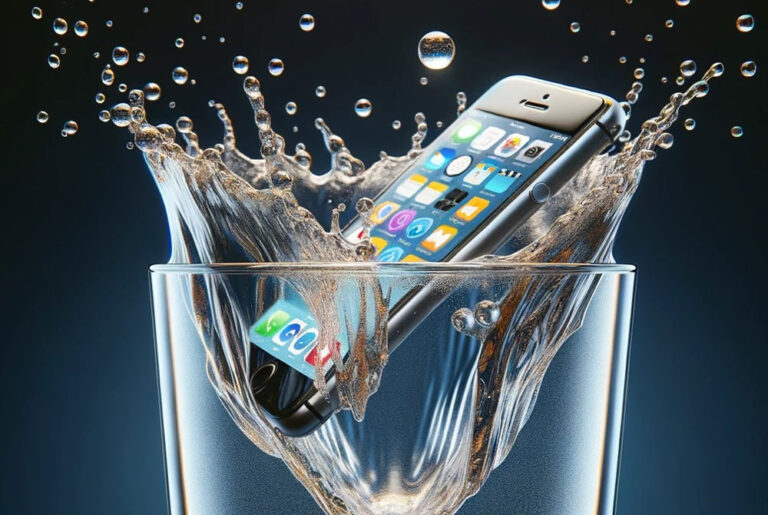
Liquids remain one of the biggest threats to smartphone hardware. Rain, spilled drinks, bathroom humidity, and accidental immersion can affect charging ports, speakers, batteries, and internal circuits.
Although many modern phones include water-resistant features, those ratings only apply under specific testing conditions. Everyday exposure may still cause long-term damage.
Dust and Debris
Fine dust particles can collect inside charging ports, speakers, microphones, and buttons. Over time, this buildup may interfere with charging, reduce audio quality, or prevent certain components from functioning properly.
Keeping your device clean helps reduce these risks and supports better long-term performance.
Extreme Temperatures
Very hot or cold environments can negatively affect batteries, displays, and other internal hardware.
Examples include:
- Leaving a phone inside a parked car on a sunny day
- Using a device in freezing weather
- Exposing a phone to direct sunlight for extended periods
Temperature-related stress may shorten battery life and contribute to hardware wear.
Charging Issues
Poor charging habits can gradually damage charging ports and batteries.
Common mistakes include:
- Using low-quality chargers
- Pulling cables forcefully
- Charging with damaged cables
- Ignoring debris inside charging ports
Safe charging practices play an important role in any phone maintenance guide.
Physical Pressure
Phones are designed to withstand normal daily use, but excessive pressure may bend frames, crack screens, or damage internal components.
Examples include:
- Sitting on your phone
- Placing heavy objects on top of it
- Carrying it loosely in crowded bags
Manufacturing Wear Over Time
Every electronic device experiences natural wear. Batteries lose capacity, buttons become less responsive, and charging ports may loosen after years of regular use.
Routine inspections and proper mobile phone care can help identify small problems before they become larger hardware issues.
Use a Protective Phone Case
A quality phone case is one of the simplest ways to improve phone hardware protection. Although no accessory can eliminate every risk, a well-designed case helps absorb impact and protects vulnerable areas during everyday use.
Benefits of Shock-Resistant Cases
Shock-resistant cases help reduce the force transferred to the phone during accidental drops.
Benefits include:
- Better corner protection
- Improved grip
- Reduced risk of cracked frames
- Additional camera protection
- Less surface scratching
These features can help protect your smartphone throughout daily activities.
Choosing the Right Case
Not every phone case provides the same level of protection. Consider the following when selecting one:
- Compatibility with your phone model
- Raised edges around the display
- Camera lens protection
- Durable construction materials
- Comfortable grip
- Easy access to buttons and ports
The right balance between protection and usability makes it easier to keep the case on your phone consistently.
Replace Worn-Out Cases
Phone cases naturally wear out after months or years of use. Cracks, loose corners, stretched materials, or broken clips may reduce their protective ability.
Inspect your case regularly and replace it if signs of damage appear.
Dr Mobile offers a selection of phone cases designed for different smartphone models, allowing users to choose accessories that match both protection needs and everyday preferences.
Install a Quality Screen Protector
The display is one of the most exposed parts of any smartphone. A quality screen protector provides an extra layer of defense against scratches and everyday wear.
Tempered Glass vs. Plastic Film
Both options have advantages.
Tempered Glass
- Better impact resistance
- Smooth touch experience
- Improved scratch protection
- Easier installation on many devices
Plastic Film
- Lower cost
- Flexible material
- Thin profile
- Suitable for basic scratch protection
Choosing the appropriate protector depends on your usage habits and desired level of protection.
Scratch Resistance
Small scratches may seem minor, but they can affect screen clarity over time. Screen protectors help shield the display from common hazards such as:
- Keys
- Coins
- Sand particles
- Dust
- Rough surfaces
This additional barrier helps maintain screen appearance during daily use.
Crack Prevention
Although no screen protector guarantees protection from every impact, tempered glass protectors can absorb part of the force from accidental drops.
Combined with a quality phone case, they offer a practical approach to reducing screen damage.
Replace Screen Protectors Regularly
Even durable protectors wear out over time.
Consider replacing yours if you notice:
- Deep scratches
- Cracks
- Peeling edges
- Reduced touch sensitivity
A damaged protector cannot provide the same level of defense as a new one.
Dr Mobile also provides screen protectors for various smartphone models, making it easier to maintain ongoing screen protection as part of regular mobile phone care.
Avoid Water and Moisture Damage
Water damage can affect multiple internal components, including the battery, charging port, speakers, display, and motherboard. Prevention remains the safest approach.
Water-Resistant Does Not Mean Waterproof
Many smartphones advertise water resistance, but this should not be interpreted as complete protection against liquids.
Water resistance may decrease over time because of:
- Everyday wear
- Aging seals
- Previous repairs
- Physical impacts
It’s still wise to keep your phone away from unnecessary moisture whenever possible.
Keep Your Phone Away from Liquids
Simple precautions can reduce risk significantly.
For example:
- Avoid placing phones near drinks.
- Keep devices away from sinks and bathtubs.
- Use waterproof storage when traveling near water.
- Protect phones during heavy rain.
These habits help avoid phone hardware issues caused by accidental liquid exposure.
Dry the Device Properly After Accidental Exposure
If your phone becomes wet:
- Turn it off if possible.
- Remove any protective case.
- Dry the exterior with a soft cloth.
- Allow the device to air dry in a well-ventilated area.
- Wait until the charging port is completely dry before reconnecting power.
Avoid using excessive heat, such as hair dryers, as this may cause additional damage.
Never Charge a Wet Phone
Charging a wet device increases the risk of electrical damage and corrosion inside the charging port.
Many modern smartphones display moisture detection warnings. If this happens, allow sufficient drying time before attempting to charge the device again.
If your phone continues experiencing charging problems after drying, professional inspection may help identify whether internal components have been affected.
Charge Your Phone Safely
Charging your phone correctly is one of the easiest ways to support long-term performance and reduce unnecessary hardware stress. Safe charging habits can help protect the battery, charging port, and other internal components while lowering the risk of future repairs.
Use Certified Chargers
Whenever possible, use the charger recommended by your device manufacturer or a certified third-party alternative. Certified chargers are designed to provide stable power output and meet established safety standards.
Benefits of using quality chargers include:
- Consistent charging performance
- Reduced risk of overheating
- Better protection for the battery
- Improved compatibility with your device
Using trusted accessories is an important part of any phone maintenance guide.
Avoid Low-Quality Charging Accessories
Cheap or poorly made charging cables and adapters may wear out quickly or fail to deliver consistent power. While they may appear similar to certified products, their quality and safety standards can vary.
Signs that a charging accessory should be replaced include:
- Frayed or exposed wires
- Loose cable connectors
- Bent USB or charging tips
- Intermittent charging
- Unusual heat during use
Choosing reliable phone accessories helps reduce unnecessary wear on your device.
Prevent Overheating While Charging
Heat is one of the main factors that can shorten battery life over time.
To minimize heat buildup:
- Charge your phone on a hard, flat surface.
- Remove thick cases if they trap excessive heat.
- Keep the device out of direct sunlight.
- Avoid placing it under pillows or blankets while charging.
- Close demanding apps if the phone becomes unusually warm.
Moderate temperatures support healthier battery performance.
Replace Damaged Charging Cables
A damaged cable may interrupt charging or place additional strain on the charging port. Continuing to use worn cables can eventually contribute to hardware problems.
Inspect charging accessories regularly and replace them when signs of wear become noticeable.
Keep Charging Ports Clean
Dust, lint, and pocket debris can collect inside the charging port over time. This buildup may prevent the charging cable from connecting securely.
Cleaning the port carefully and avoiding unnecessary force when inserting cables can help avoid phone hardware issues.
Protect Your Phone from Heat and Cold
Smartphones are designed to operate within specific temperature ranges. Exposure to excessive heat or cold can affect batteries, displays, and internal electronics.
Avoid Direct Sunlight
Leaving your phone in direct sunlight for long periods can cause the device to overheat. High temperatures may temporarily reduce performance and accelerate battery aging.
Whenever possible:
- Store your phone in the shade.
- Keep it inside a bag when outdoors.
- Avoid placing it on hot surfaces.
Never Leave Your Phone Inside a Parked Car
Cars can become extremely hot during warm weather, even if the outside temperature feels comfortable.
High temperatures inside a vehicle may affect:
- Battery health
- Display quality
- Adhesives inside the device
- Internal electronic components
If you must leave your phone in a vehicle, place it in a cooler area and avoid prolonged exposure.
Be Careful in Freezing Temperatures
Cold weather can temporarily reduce battery efficiency and cause the phone to shut down unexpectedly.
If using your phone outdoors during winter:
- Keep it inside a pocket when not in use.
- Avoid exposing it to freezing temperatures for extended periods.
- Allow the phone to warm gradually before charging if it becomes very cold.
Protect Battery Performance
Repeated exposure to extreme temperatures may shorten overall battery lifespan.
Maintaining moderate operating conditions is one of the simplest ways to extend phone lifespan and improve everyday reliability.
Keep the Charging Port and Speakers Clean
Dust and dirt naturally accumulate during everyday use. Regular cleaning helps maintain reliable charging and clear audio without exposing delicate components to unnecessary risk.
Watch for Dust Buildup
Common sources of debris include:
- Pocket lint
- Dust
- Sand
- Fabric fibers
These materials may block charging connections or reduce speaker volume over time.
Use Safe Cleaning Methods
Cleaning should always be performed gently.
Safe options include:
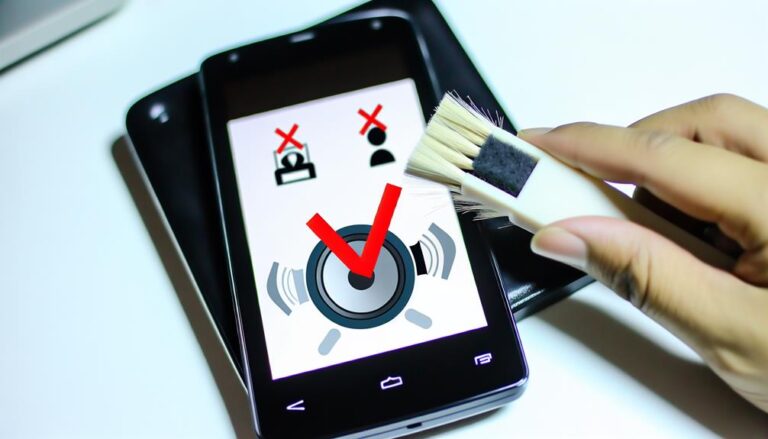
- A soft, dry brush
- Compressed air used carefully and sparingly
- A microfiber cloth for external surfaces
Avoid using excessive moisture or sharp tools that could damage internal parts.
Never Insert Metal Objects
Pins, needles, paper clips, and similar metal objects may scratch connectors or cause permanent damage to charging ports.
If debris cannot be removed safely, professional assistance is usually the better option.
Consider Professional Cleaning
Some debris becomes tightly packed inside charging ports or speaker openings.
If you notice:
- Loose charging connections
- Muffled speaker sound
- Difficulty inserting charging cables
professional cleaning may help restore normal function without risking additional damage.
As part of its mobile repair services, Dr Mobile can inspect and clean charging ports when buildup begins affecting device performance.
Handle Your Phone Carefully Every Day
Small daily habits can make a significant difference in reducing accidental hardware damage. Careful handling lowers the chance of drops, scratches, and unnecessary wear.
Avoid Sitting on Your Phone
Keeping your phone in a back pocket may expose it to excessive pressure when sitting.
Instead:
- Use a front pocket.
- Store it in a secure bag compartment.
- Place it on a stable surface whenever possible.
This simple habit helps reduce the risk of bent frames and cracked displays.
Reduce the Risk of Drops
Many accidental drops occur while multitasking.
To improve grip:
- Hold the phone securely with one hand or both hands when appropriate.
- Avoid using the phone while carrying multiple items.
- Consider accessories that improve grip if needed.
Being mindful during everyday use helps prevent phone damage.
Store Your Phone Safely During Travel
Travel introduces additional risks from movement and impacts.
Helpful practices include:
- Using padded compartments in backpacks.
- Keeping the phone inside a protective case.
- Avoiding loose placement with heavy objects.
- Using dedicated storage when cycling or driving.
Proper storage helps protect both the display and internal hardware.
Keep Phones Away from Children and Pets
Curious children and pets may accidentally drop, chew, or knock phones onto hard surfaces.
Whenever possible:
- Store phones out of reach when unattended.
- Avoid leaving devices near the edges of tables.
- Use secure storage in busy households.
Developing these everyday habits contributes to better phone hardware protection and can help reduce unexpected repair needs over time.
Update Software Regularly
Although software updates do not physically protect your phone, they play an important role in maintaining overall device stability and supporting hardware performance. Manufacturers regularly release updates that improve security, fix bugs, and optimize how hardware components work together.
Improve Device Security
Software updates often include security patches that protect your phone from newly discovered vulnerabilities. Keeping your operating system up to date helps reduce the risk of malware and unauthorized access that could affect device performance.
To stay protected:
- Enable automatic updates when available.
- Download updates from official sources only.
- Install security patches as soon as practical.
Enhance Device Stability
Updates frequently resolve software issues that may cause apps to crash, freeze, or behave unexpectedly. Improved stability can reduce unnecessary strain on hardware components and provide a smoother user experience.
If your phone starts behaving unusually after missing several updates, installing the latest version may resolve the issue.
Maintain Hardware Compatibility
As smartphones age, manufacturers continue refining how software communicates with hardware such as cameras, displays, batteries, and wireless connections.
Regular updates can help:
- Improve camera performance
- Enhance touchscreen responsiveness
- Support newer applications
- Optimize wireless connectivity
Support Better Battery Optimization
Modern operating systems include battery management improvements that help reduce unnecessary background activity. Efficient power management can contribute to longer battery life and reduce excessive heat during everyday use.
While updates cannot restore an aging battery, they can improve how efficiently your device uses available power.
Recognize Early Warning Signs
Many hardware problems develop gradually rather than appearing suddenly. Recognizing the early signs allows you to seek professional assistance before minor issues become more serious.
Overheating
Occasional warmth during gaming or charging is normal. However, frequent or excessive overheating may indicate an underlying hardware or battery issue.
If your phone consistently becomes hot during basic tasks, it is worth having it inspected.
Battery Swelling
A swollen battery requires immediate attention because it may place pressure on the display and internal components.
Possible warning signs include:
- Screen lifting away from the frame
- Back cover separating
- Device rocking on a flat surface
- Unusual bulging
If you notice any of these symptoms, stop using the device and seek professional assistance promptly.
Display Flickering
Screen flickering may result from software problems, display connector issues, or physical screen damage.
Persistent flickering should not be ignored, especially if it becomes more frequent over time.
Charging Problems
Charging issues are not always caused by the battery. Other possible causes include:
- Dirty charging ports
- Damaged charging cables
- Faulty charging adapters
- Worn charging connectors
A proper inspection can help determine the underlying cause.
Unusual Noises
Buzzing, clicking, or rattling sounds coming from inside the phone are uncommon and may indicate loose internal components or speaker-related issues.
Any unexpected mechanical noise should be evaluated by a qualified technician.
Random Shutdowns
If your phone powers off unexpectedly despite having sufficient battery charge, the problem may involve:
- Battery deterioration
- Internal hardware faults
- Power management issues
- Software conflicts
Because several factors can contribute to random shutdowns, professional diagnosis is often the safest approach.
Addressing these warning signs early may help prevent additional hardware damage and reduce the likelihood of more extensive repairs later.
When Professional Repair Is the Best Option
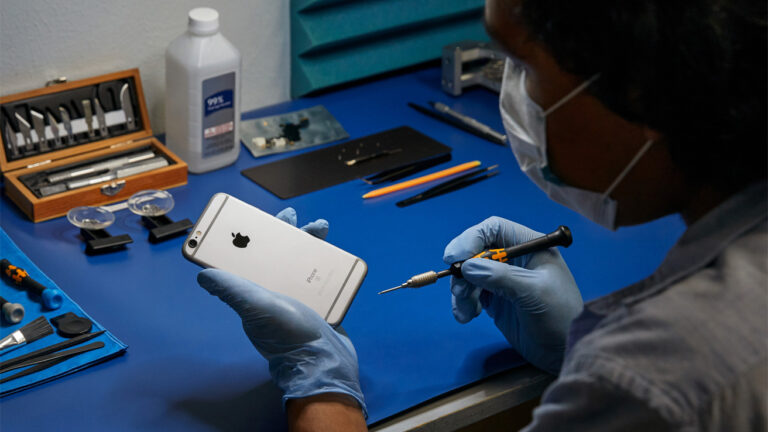
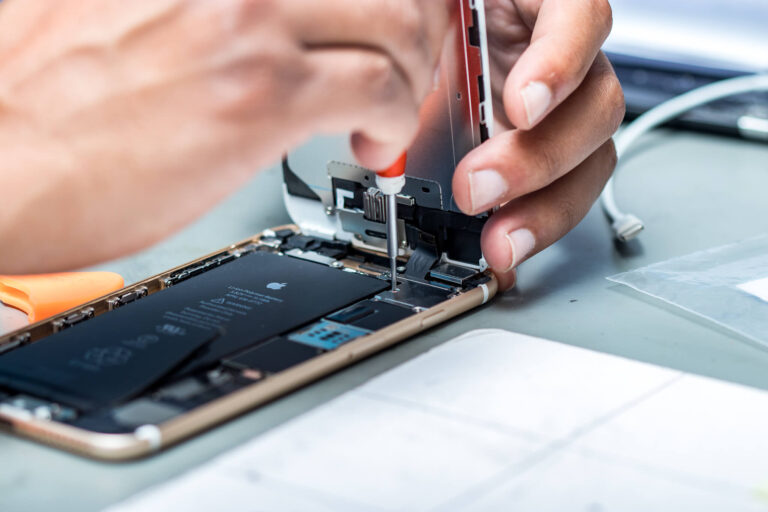
While routine maintenance can help prevent many issues, some hardware problems require specialized tools and technical expertise. Attempting complex repairs without the proper knowledge may lead to additional damage or void applicable warranties.
Consider seeking professional assistance if you experience:
- Cracked or unresponsive displays
- Battery swelling
- Persistent charging problems
- Water damage
- Camera malfunctions
- Speaker or microphone failures
- Buttons that no longer respond
- Internal component damage after a significant drop
Avoid opening your phone unless you have the appropriate experience and equipment. Modern smartphones contain delicate components that can be damaged during improper disassembly.
Dr Mobile provides professional Phone Repair services for a variety of common hardware issues. Depending on your device, technicians can assist with iPhone Repair, Samsung Repair, and Google Repair, helping diagnose problems and recommend suitable repair solutions.
In addition to mobile devices, Dr Mobile also offers Computer Repair, including Laptop Repair and Desktop Repair, for customers experiencing hardware-related issues with their computers. Professional evaluation helps identify the cause of a problem before deciding on the most appropriate repair approach.
Helpful Accessories That Reduce Future Damage
Protective accessories can complement careful handling by reducing everyday wear and minimizing the impact of accidental incidents. Choosing quality accessories that fit your device properly is an important part of long-term mobile phone care.
Protective Phone Cases
A durable phone case provides everyday protection against bumps, scratches, and minor drops. Features such as reinforced corners, raised bezels, and textured grips can improve overall protection while making the phone easier to hold securely.
Screen Protectors
A quality tempered glass or plastic film protector helps shield the display from scratches and may reduce the severity of damage caused by light impacts. Replacing a worn protector when needed helps maintain consistent protection.
Reliable Charging Accessories
Using dependable charging cables and power adapters supports safe charging and helps reduce unnecessary stress on the battery and charging port. Inspect accessories regularly and replace them if they show signs of wear.
Safe Storage Solutions
Proper storage is especially useful during travel or outdoor activities.
Examples include:
- Protective carrying pouches
- Dedicated backpack compartments
- Waterproof storage bags for outdoor use
- Cable organizers to prevent accessory damage
Dr Mobile carries a range of phone accessories, including phone cases, screen protectors, and other protective products that support everyday device care and help reduce the risk of future hardware damage.
Conclusion
Protecting your smartphone from future hardware damage starts with consistent daily habits. Using a protective case, installing a quality screen protector, charging safely, keeping your device clean, and avoiding extreme temperatures can all contribute to better phone hardware protection. These simple practices help reduce common risks and support reliable performance over time.
Routine maintenance is equally important. Watching for early warning signs, keeping your software updated, and using quality accessories can help extend phone lifespan and reduce unnecessary repairs. When hardware problems do occur, seeking professional assistance from experienced technicians—such as the Phone Repair, iPhone Repair, Samsung Repair, Google Repair, Laptop Repair, and Desktop Repair services offered by Dr Mobile—can help ensure your device receives the appropriate care based on its condition.
FAQ’S
1. What causes the most common phone hardware damage?
The most common causes include accidental drops, water exposure, dust buildup, extreme temperatures, poor charging habits, and everyday wear. Practicing good mobile phone care can significantly reduce these risks.
2. Do screen protectors really help prevent damage?
Yes. A quality screen protector helps protect the display from scratches and may absorb part of the impact from minor drops. While it cannot prevent every crack, it provides an additional layer of protection.
3. How can I keep my charging port clean?
Keep the charging port free from dust and lint by using a soft brush or compressed air carefully. Avoid inserting metal objects into the port, as they can damage the internal connectors.
4. Is it safe to charge my phone overnight?
Most modern smartphones include charging management features that reduce overcharging once the battery reaches full capacity. However, it is still advisable to use certified chargers, avoid overheating, and charge the device in a well-ventilated area.
5. When should I repair a damaged phone instead of replacing it?
Professional repair is often worth considering when the damage is limited to components such as the screen, battery, charging port, or camera, and the rest of the device remains in good condition. A technician can assess the issue and recommend the most practical solution.
6. Can a phone case completely prevent hardware damage?
No. A protective case reduces the risk of damage from everyday accidents but cannot guarantee complete protection. Combining a quality case with careful handling and regular maintenance offers the best overall protection.
7. How often should I replace my screen protector or phone case?
Replace your screen protector if it becomes cracked, deeply scratched, or starts peeling around the edges. Similarly, replace your phone case if it shows signs of significant wear, loose fitting, or reduced protective performance.