Google Pixel Screen Cracks? How Experts Restore Display Clarity
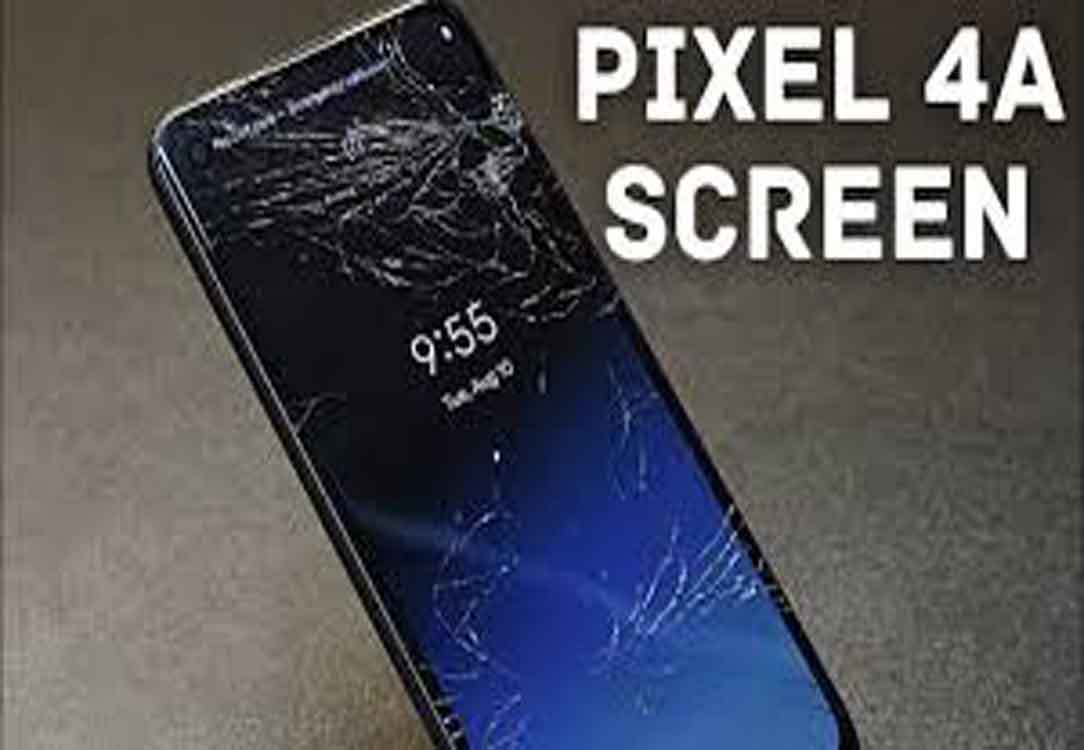
Google Pixel smartphones are known for their advanced display technology, offering vibrant colors, sharp visuals, and smooth touch sensitivity. However, like all devices, Pixel screens are vulnerable to physical damage. Accidental drops, pressure from heavy objects, or even sudden temperature changes can lead to cracks, scratches, or complete screen failure. When a Google Pixel screen is damaged, it not only affects the visual experience but can also interfere with touch functionality, making daily usage challenging.
Maintaining screen clarity and responsiveness is essential for efficient smartphone use. A damaged screen can hinder communication, reduce productivity, and compromise device safety. Professional Google Pixel screen repair ensures that the display is restored to optimal performance, allowing users to continue using their device without disruption.
Common Causes of Pixel Screen Cracks
Understanding how screen damage occurs helps in preventing future incidents. Common causes include:
- Accidental Drops: Dropping a device on hard surfaces is the most frequent cause of screen cracks.
- Pressure or Impact: Sitting on a phone, carrying it in a tight pocket, or dropping objects on the screen can cause fractures.
- Temperature Changes: Rapid changes from cold to hot environments can stress the glass.
- Manufacturing Defects: Though rare, some screens may have inherent weaknesses.
The Diagnosis Process
Before any repair begins, expert technicians perform a thorough assessment of the device. The diagnosis process typically includes:
- Visual Inspection: Technicians examine the screen for cracks, scratches, and discoloration.
- Touch Functionality Test: Checking responsiveness across all areas of the touchscreen.
- LCD and Display Check: Ensuring the underlying LCD or OLED panel has not been damaged.
- Internal Component Assessment: Verifying that connectors and sensors are intact.
This step is critical because it determines the exact repair method and ensures no hidden damage is overlooked.
Step-by-Step Repair Process
Professional repair involves several meticulous steps to restore the device’s display clarity and functionality.
1. Power Down and Prepare the Device
Technicians first turn off the Google Pixel and remove any external cases or screen protectors. This prevents further damage and ensures safety during repair.
2. Screen Removal
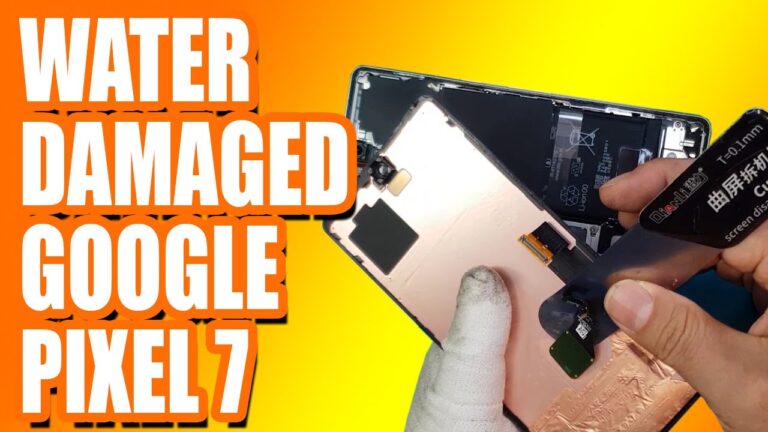
Using specialized tools, the cracked screen is carefully detached from the frame. This process often involves:
- Heating the adhesive to soften it
- Using prying tools to lift the glass
- Disconnecting display connectors with care
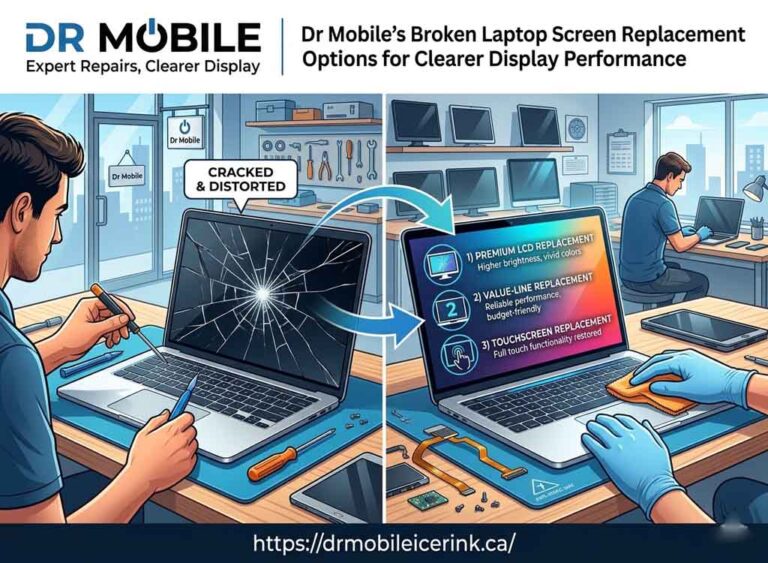
3. Glass and LCD Replacement
Depending on the damage, the repair may involve replacing:
- Glass Only: For minor cracks that do not affect display output
- Full LCD and Glass Assembly: If the display shows dead pixels, discoloration, or unresponsive touch areas
4. Reassembly and Connection
After replacing the necessary components, technicians reconnect all display cables and secure the new screen to the frame using high-quality adhesive.
5. Quality Testing
The repaired device undergoes extensive testing to ensure:
- Touch sensitivity is accurate across the entire screen
- Colors and brightness are restored
- No dead pixels or display anomalies are present
Benefits of Professional Pixel Screen Repair
Professional Google Pixel screen repair offers several advantages over DIY fixes or untrained repair attempts:
- Restored Display Clarity: Ensures colors, brightness, and sharpness match the original display.
- Accurate Touch Functionality: Prevents unresponsive or erratic touchscreen behavior.
- Safety: Expert handling reduces the risk of internal damage or electrical hazards.
- Longevity: Quality repairs extend the lifespan of the device.
- Warranty Compliance: Using certified services often maintains manufacturer warranties.
Choosing Expert Phone Repair
Selecting a skilled technician is crucial for effective Pixel screen replacement. Professionals bring:
- Specialized tools and replacement parts
- Knowledge of Google Pixel hardware
- Experience in diagnosing and repairing complex display issues
Conclusion
Pixel screen cracks and display damage are common issues that can affect both the visual experience and the usability of a device. Professional Google Pixel screen repair restores display clarity, touch accuracy, and overall device performance. By understanding the diagnosis and repair process, users can appreciate the value of expert service and ensure their smartphone continues to function reliably for years to come.
Whether it involves replacing cracked glass, repairing an unresponsive touchscreen, or restoring LCD brightness, expert phone repair provides a safe, efficient, and effective solution. Restoring display clarity not only enhances visual appeal but also maintains the seamless performance users expect from their Google Pixel devices.